Projects
A Project is, as the name suggests, the unit for organizing a set of work as a single project.
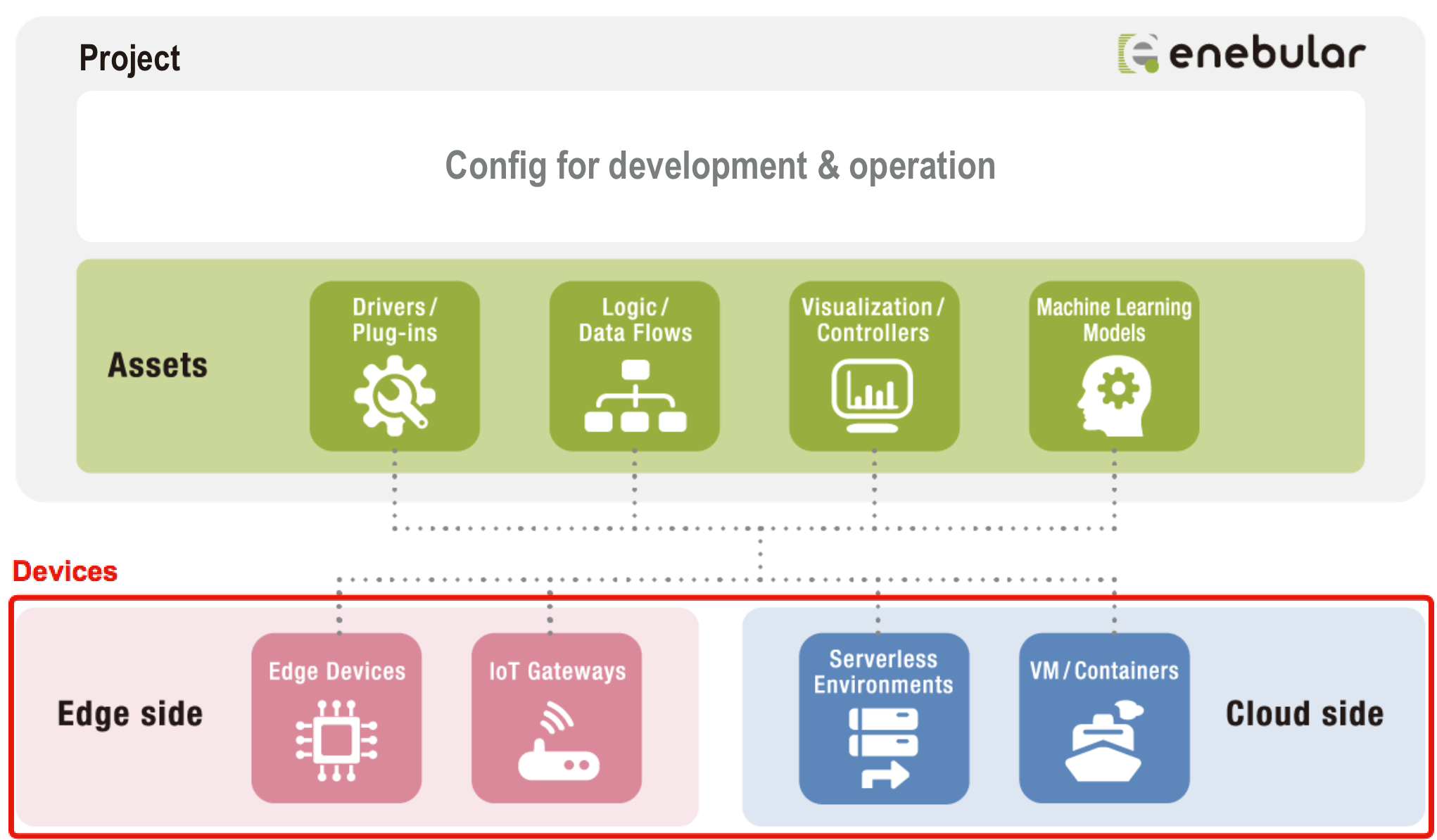
As mentioned in the Introduction, you can manage assets and devices in a project (in the image, devices are not included within the project as their actual deploy location is in a third party service environment).
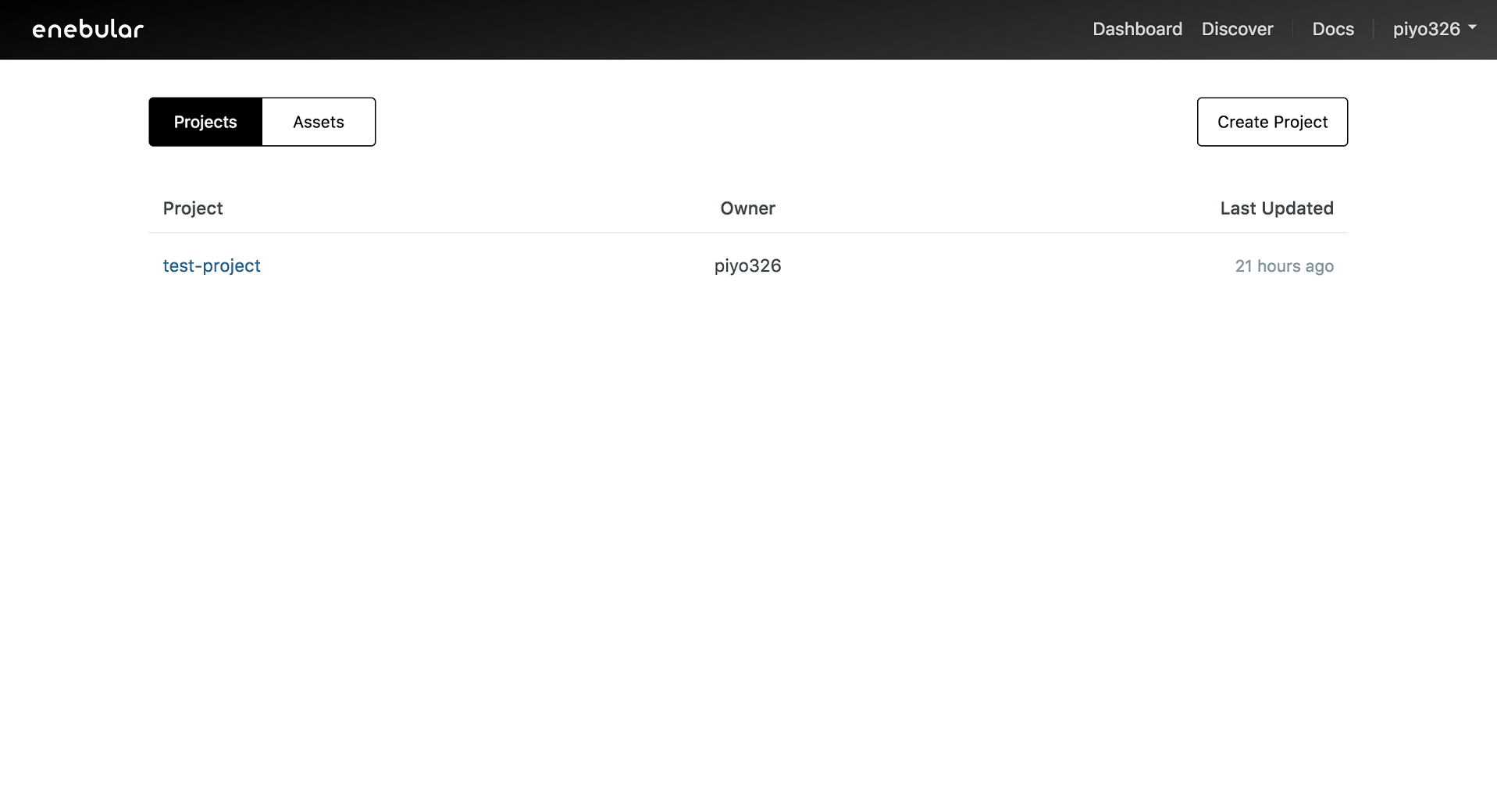
The list of projects can be seen on the screen after signing in. Projects can be created with Create Project.
Selecting a project will take you to the project management screen.
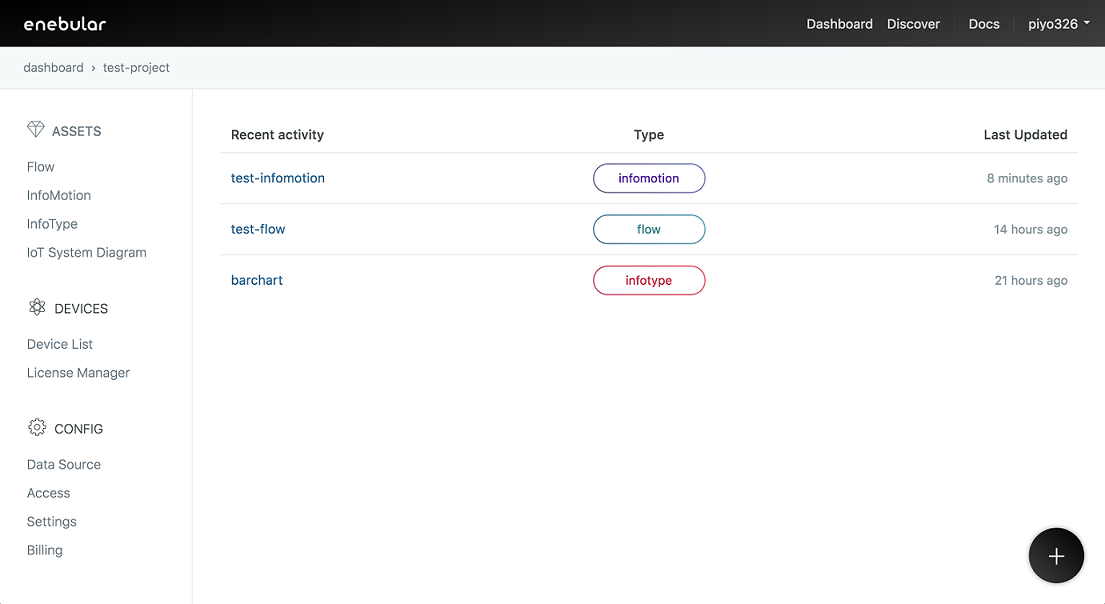
The project management screen includes the following pages.
Assets
The content managed within the project.
- Flow: Data flows created with Node-RED
- InfoMotion: Data visualization graphs dashboard
- InfoType: Graph types used with InfoMotion
Assets Searching
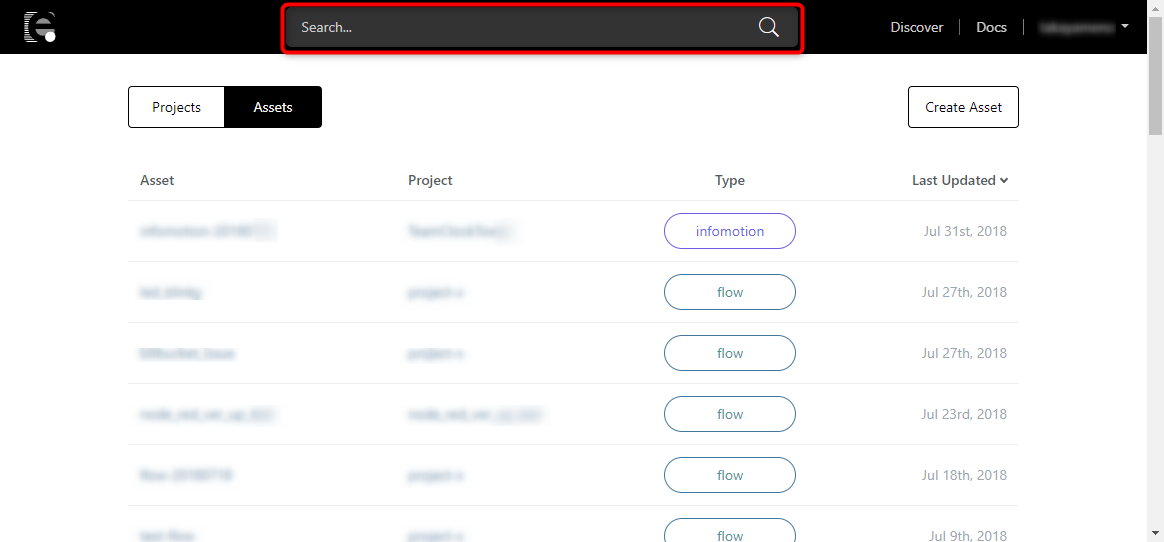
You can search the Assets associated with your account by using the search box at the the top of the page. The results will be listed on the project management screen.
You are able to search by Asset name or Project name. Searching by Project name will list all Project's Assets.
Devices
The devices managed within the project. The devices here are those to which assets have been deployed.
- Device List: The list of devices
- Licence Manager: License management for using paid functionality
Config
Project related configuration.
- Data Source: Registration of data sources for use with graphs
- Access: Project access control management
- Settings: Project settings
- Billing: Billing information management