Create a Data Source
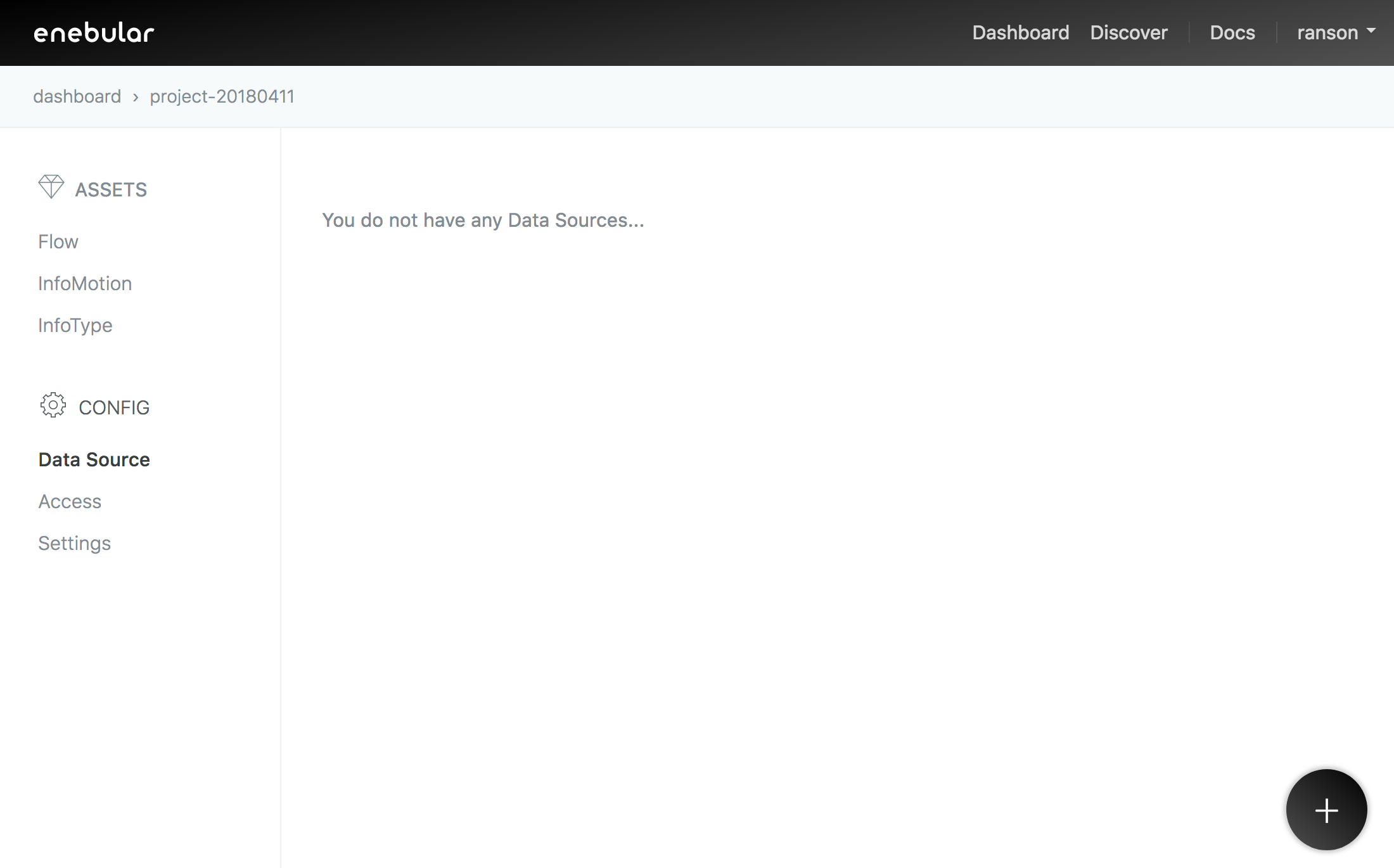
In the same enebular project click Data Source and the plus button to add a
Data Source.
Set the title as you like. The app_id and DataStore are required fields.
Click save to continue.
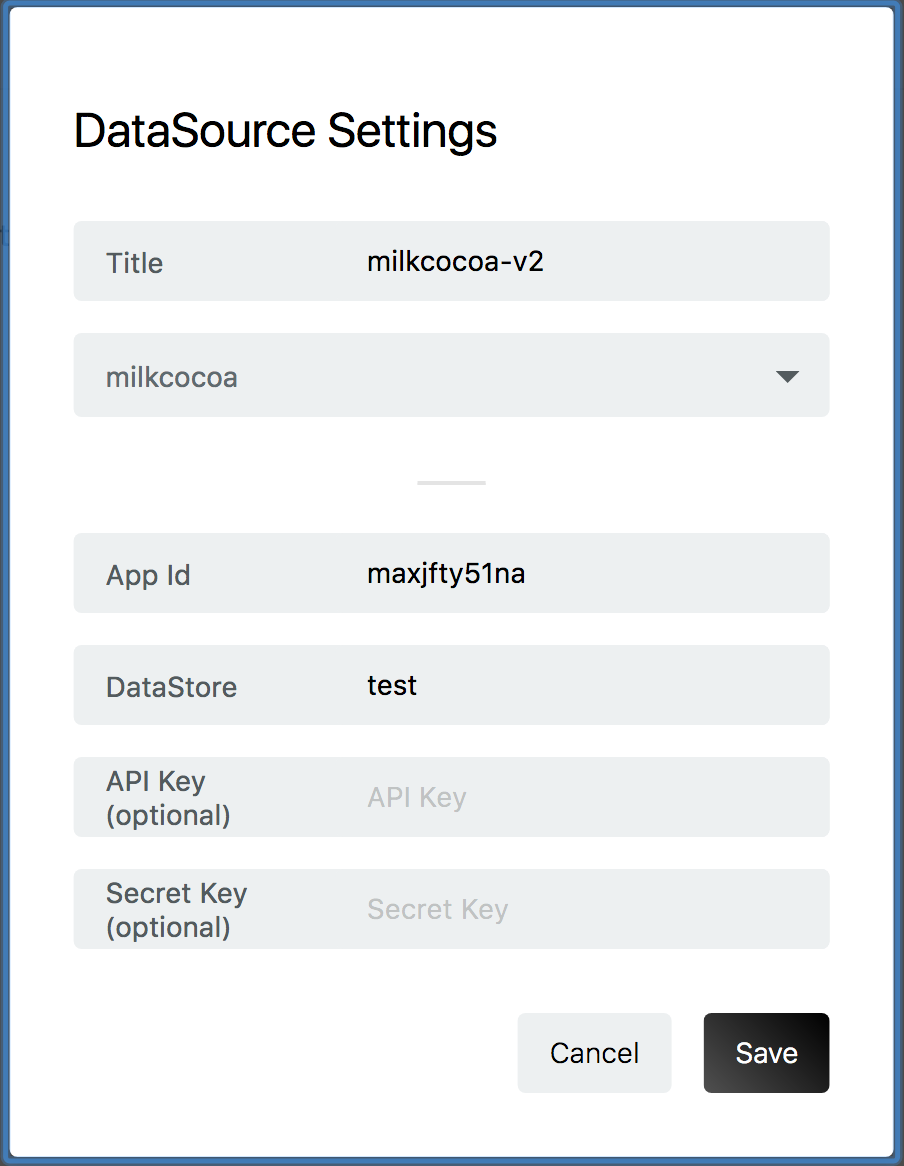
Input Items
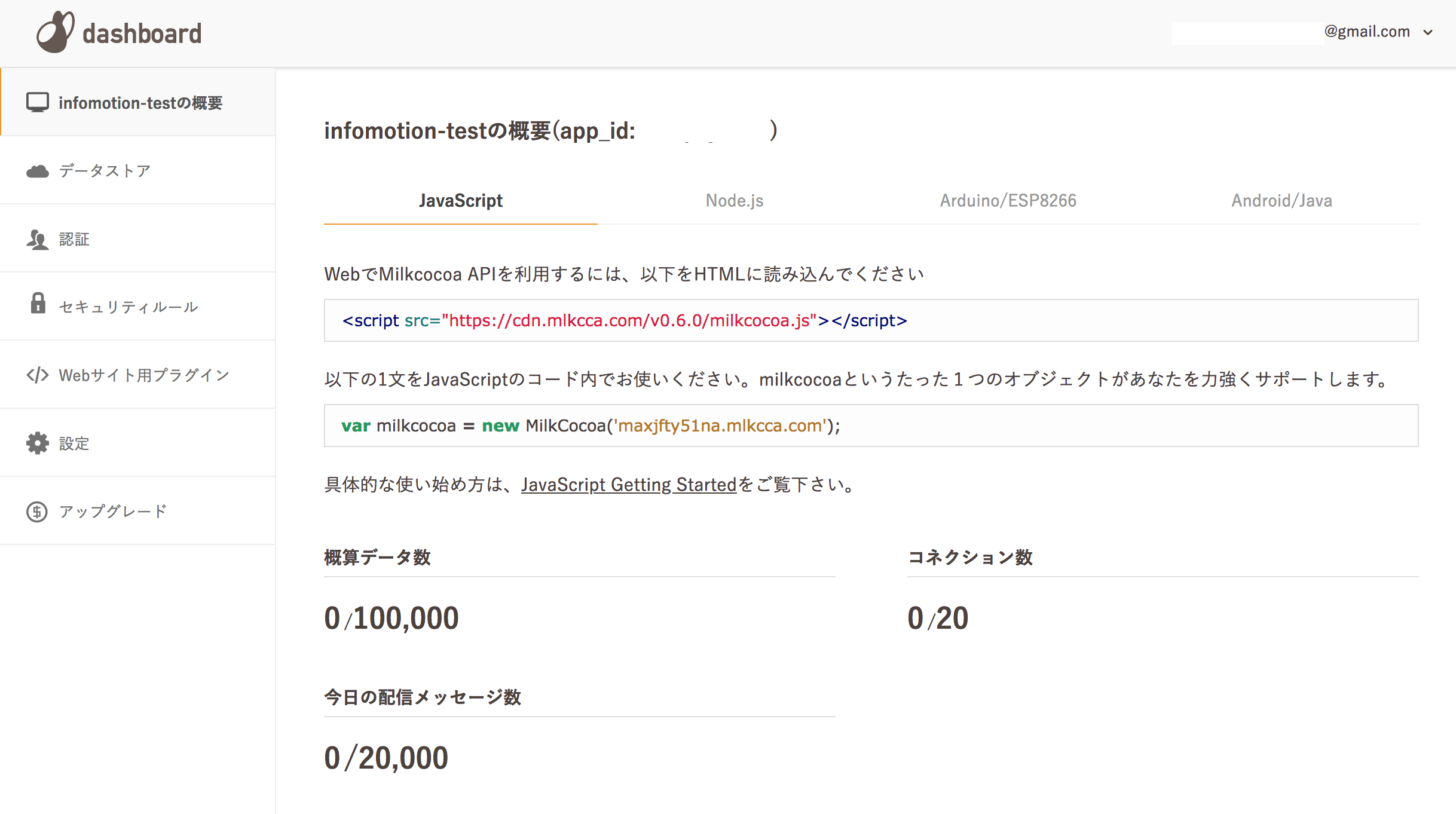
Get App Id from App top page.
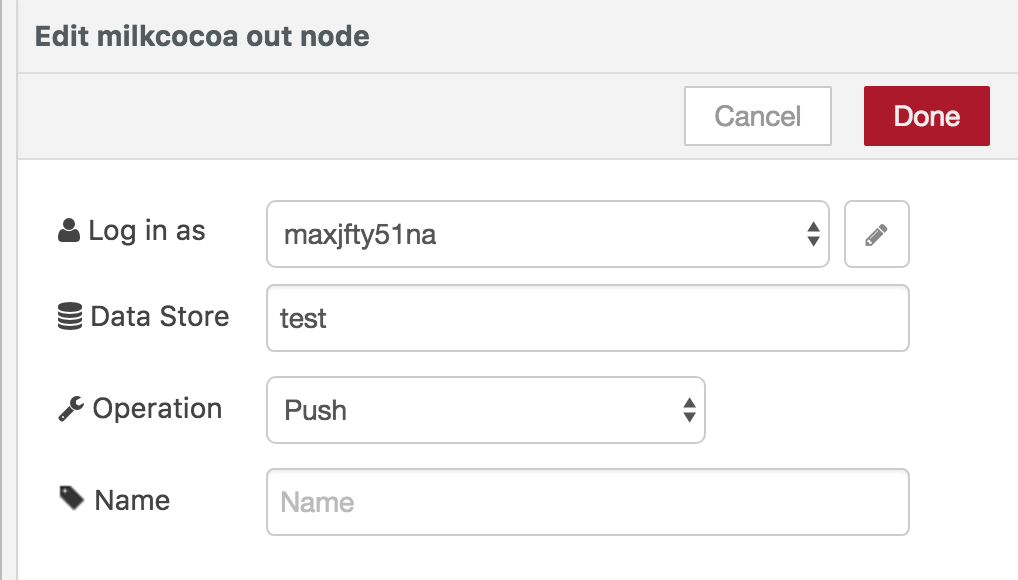
The DataStore is you set in the flow editor.
API Key and Secret Key are able to confirm in 「認証」 page.
Create InfoMotion
Now your DataSource is ready to be used on an infotype see Sample infotypesto downoad a graph, Upload an InfoType to upload a graph to enebular, and Create InfoMotion to create an InfoMotion dashboard