About Deploying
As stated in the Introduction, assets created in enebular can be deployed to devices.
Deploying Flows
Data flows created with the Node-RED based flow editor can be deployed to devices via third party services.
While as shown in the image below it is possible to perform the "Deploy" operation within the flow editor started from enebular, note that the purpose of this is to just save the flow, and when doing this the flow execution will stop after a few minutes.
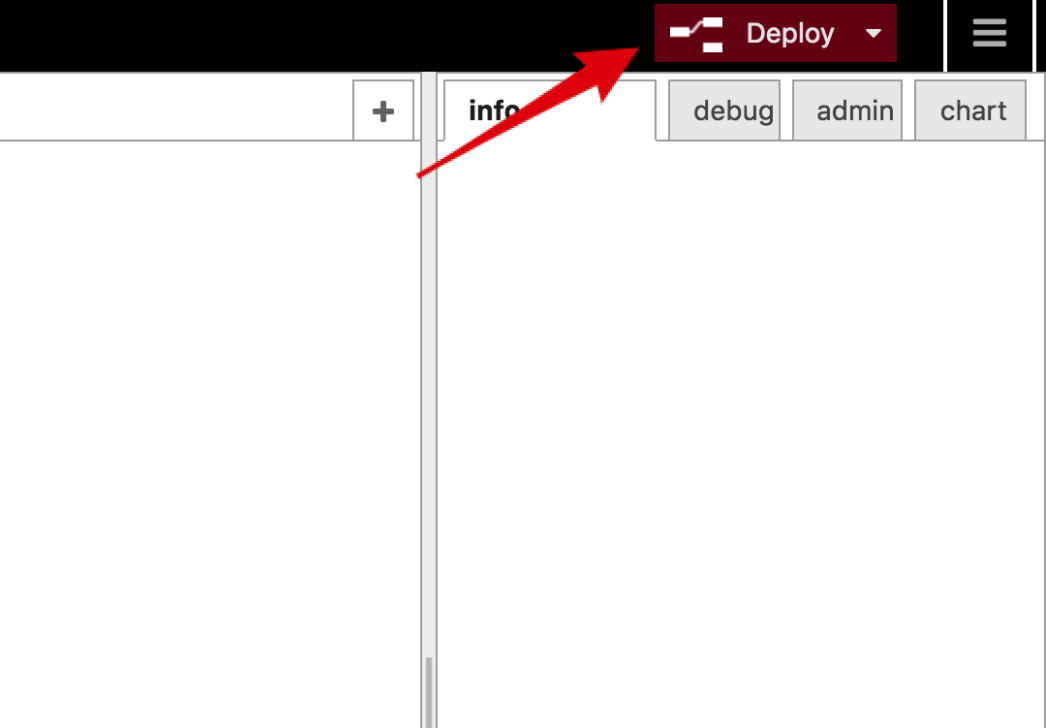
To have it run permanantly, it must be deployed to a device using a third party service.
As mentioned in the Introduction, when doing a deploy there are two concepts that should be kept in mind.
- Device: The device that will be the execution environment of the asset.
- Device Master: The managing role that accepts deploy requests from enebular and then deploys to the device, monitors the device and sends logs on to enebular.
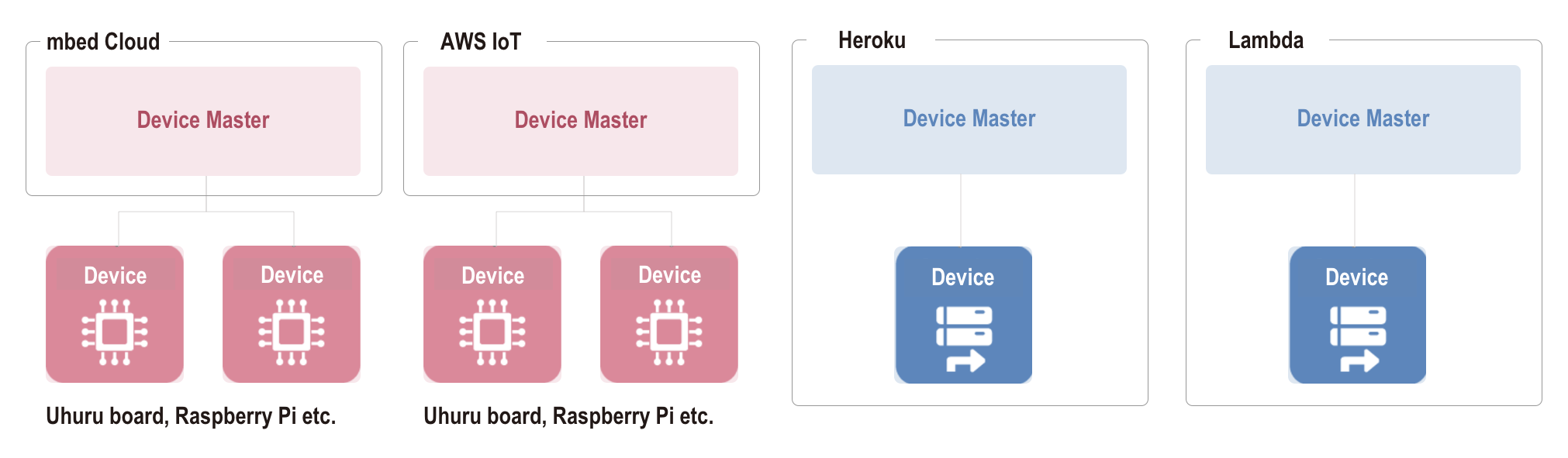
For cloud services that deploy to edge devices like AWS IoT and Pelion Device Management, the edge device is the device and the cloud service is the device master.
If the execution environment exists in the cloud as with Heroku and AWS Lambda, then the cloud service takes on both the device and device master roles.
Flow size able to deploy
enebular-edge-agent
Maximum Size : 5kB
enebular-agent
Maximum Size : 100kB
cloud service
| Target | Maximum Size |
|---|---|
| Heroku | 100kB |
| AWS Lambda | 100kB |
The actual methods of deploying are as follows.