Create Data Source
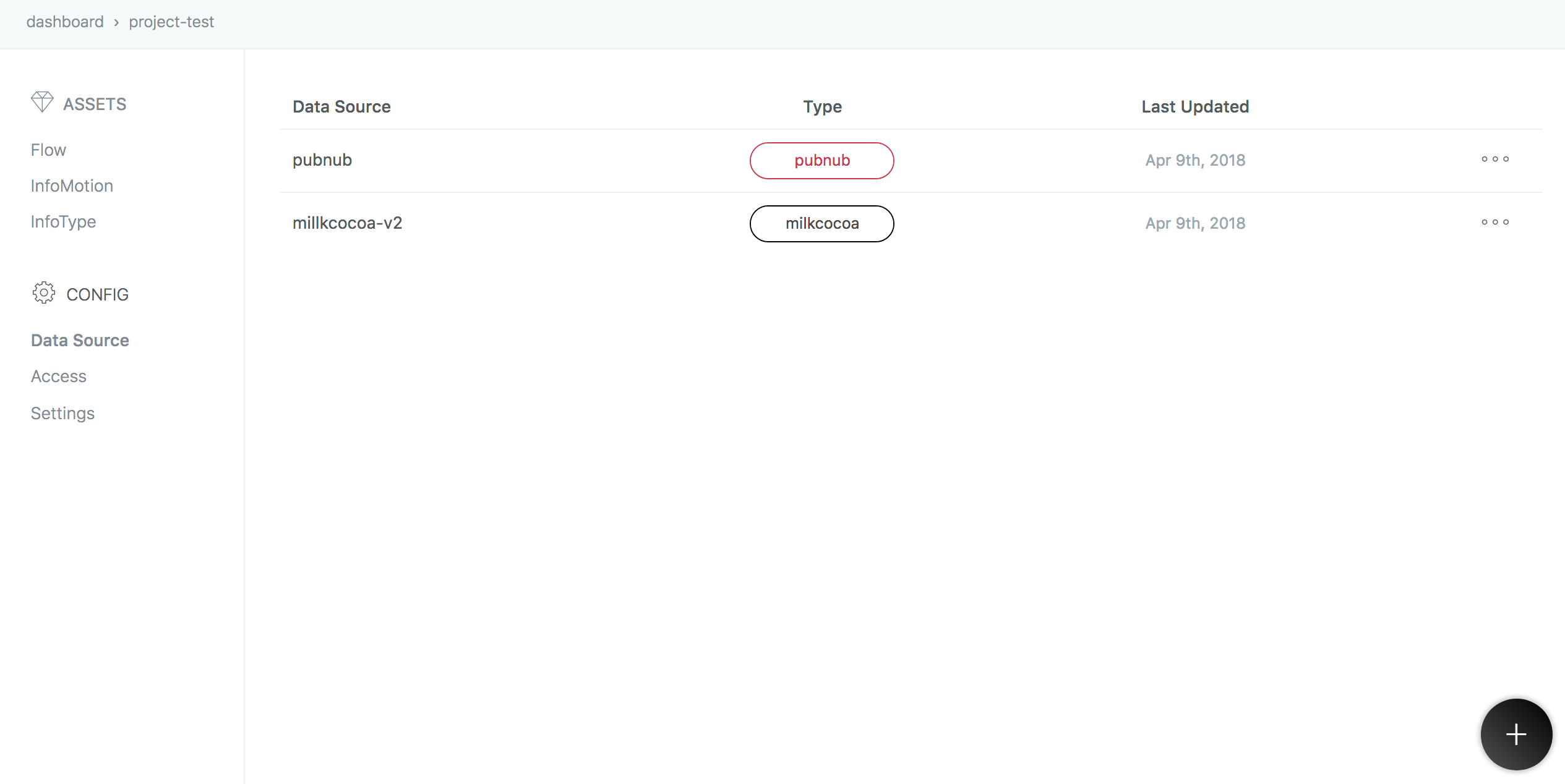
In the same enebular project click Data Source and the plus button to add a
Data Source.
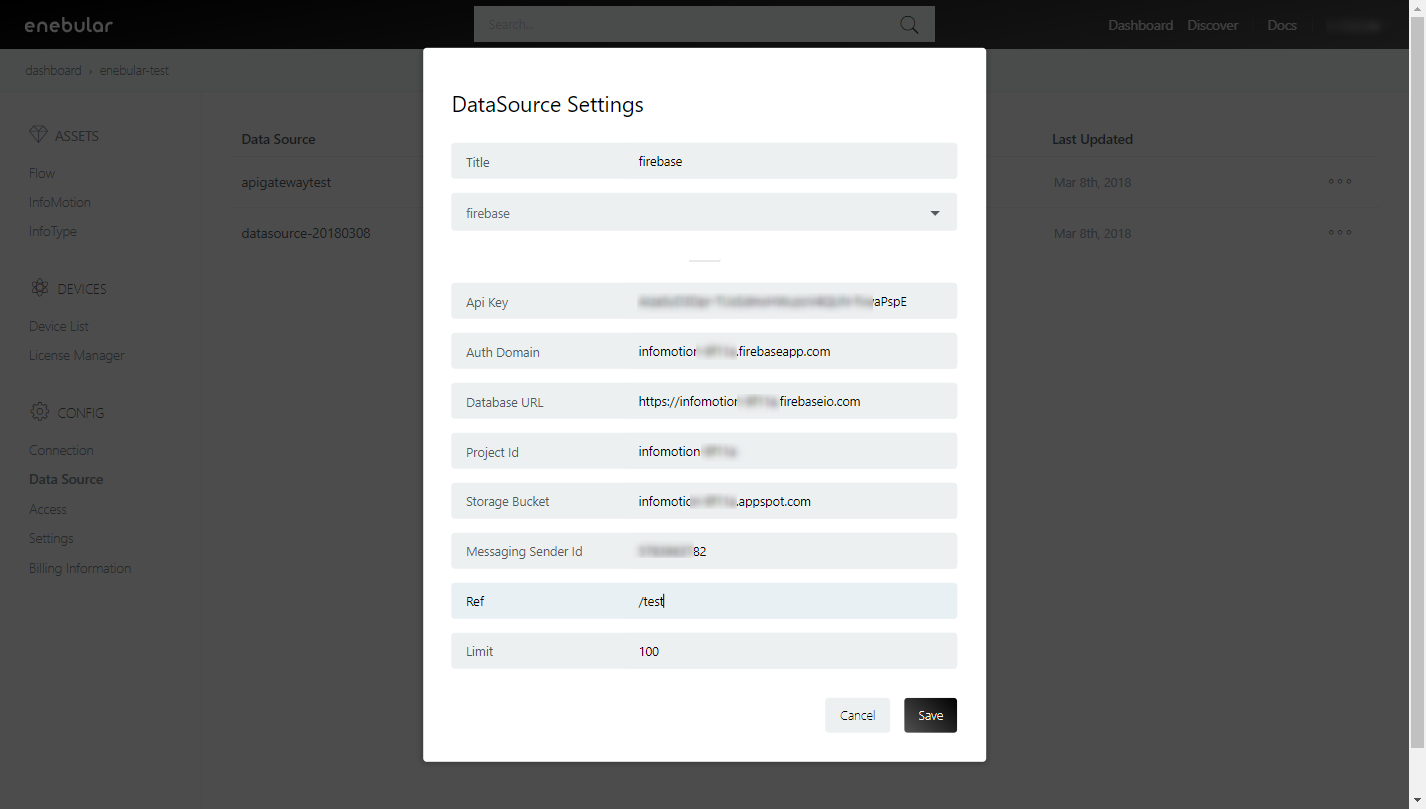
The keys for the settings can be found in your firebase web settings.
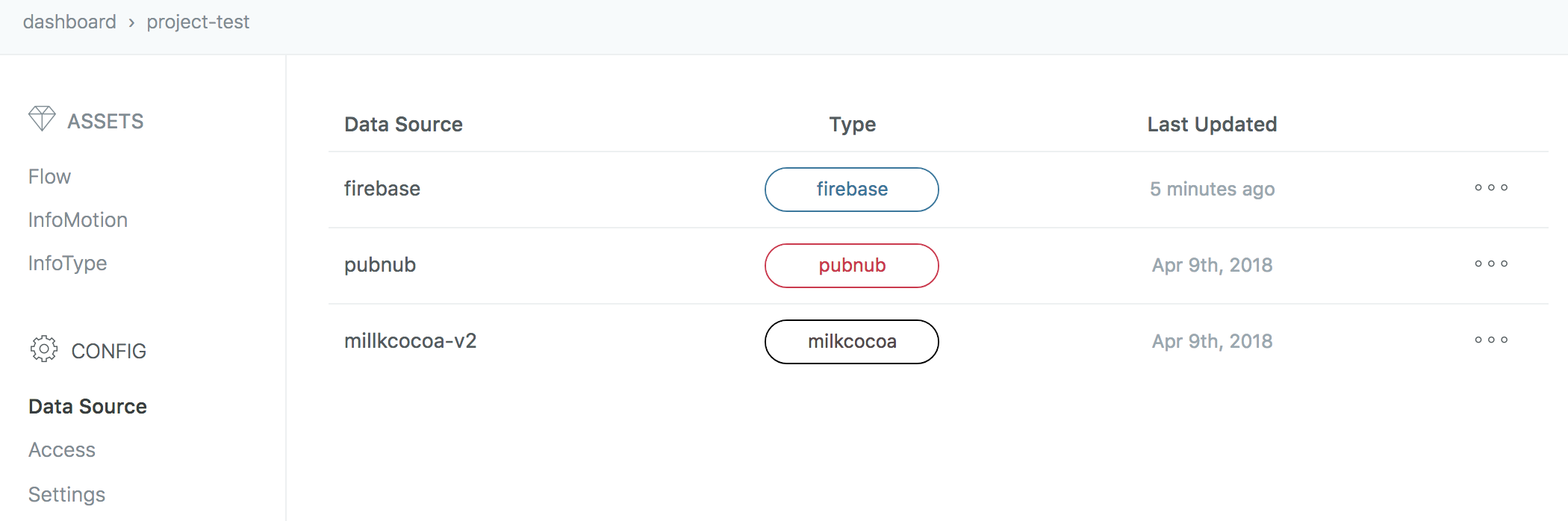
Check adding new one.
Input Items
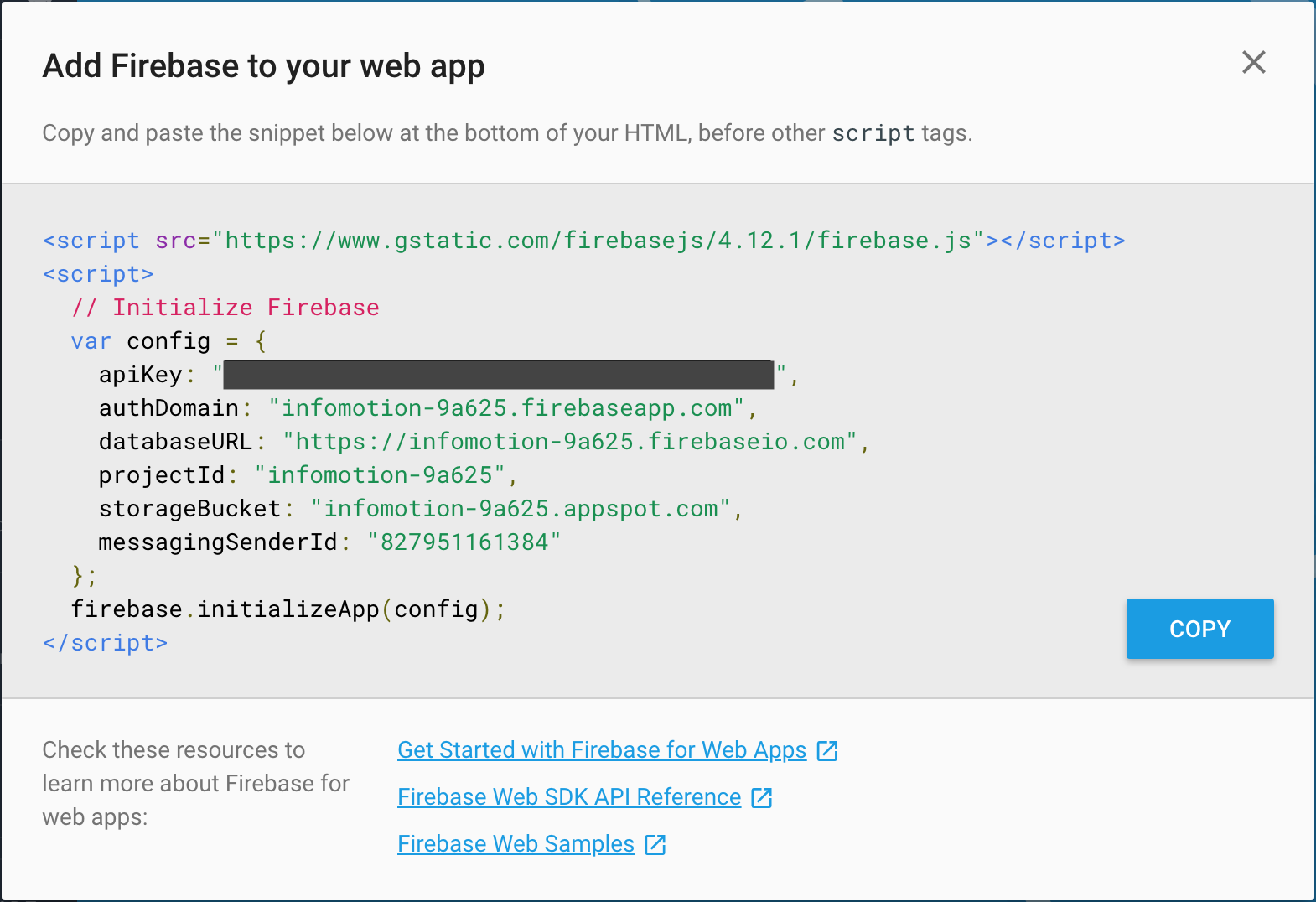
Get the fllowing items by snipet.
- Api Key
- Auth Domain
- `Database URL
- Project Id
- Storage Bucket
- Messaging Sender Id
Click Project Overview and Add Firebase to your web app.
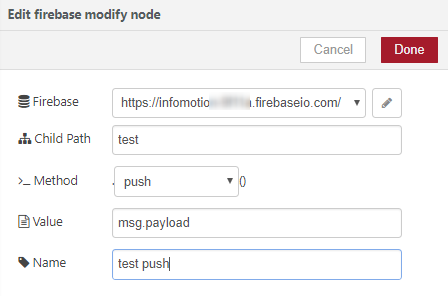
The Ref is the child path you set in the flow editor.
The ref can also be seen in your firebase database as the collection name. The Ref must also include a /, for this example we have set the Ref as /test.
Create InfoMotion
Now your DataSource is ready to be used on an infotype see Sample infotypesto downoad a graph, Upload an InfoType to upload a graph to enebular, and Create InfoMotion to create an InfoMotion dashboard