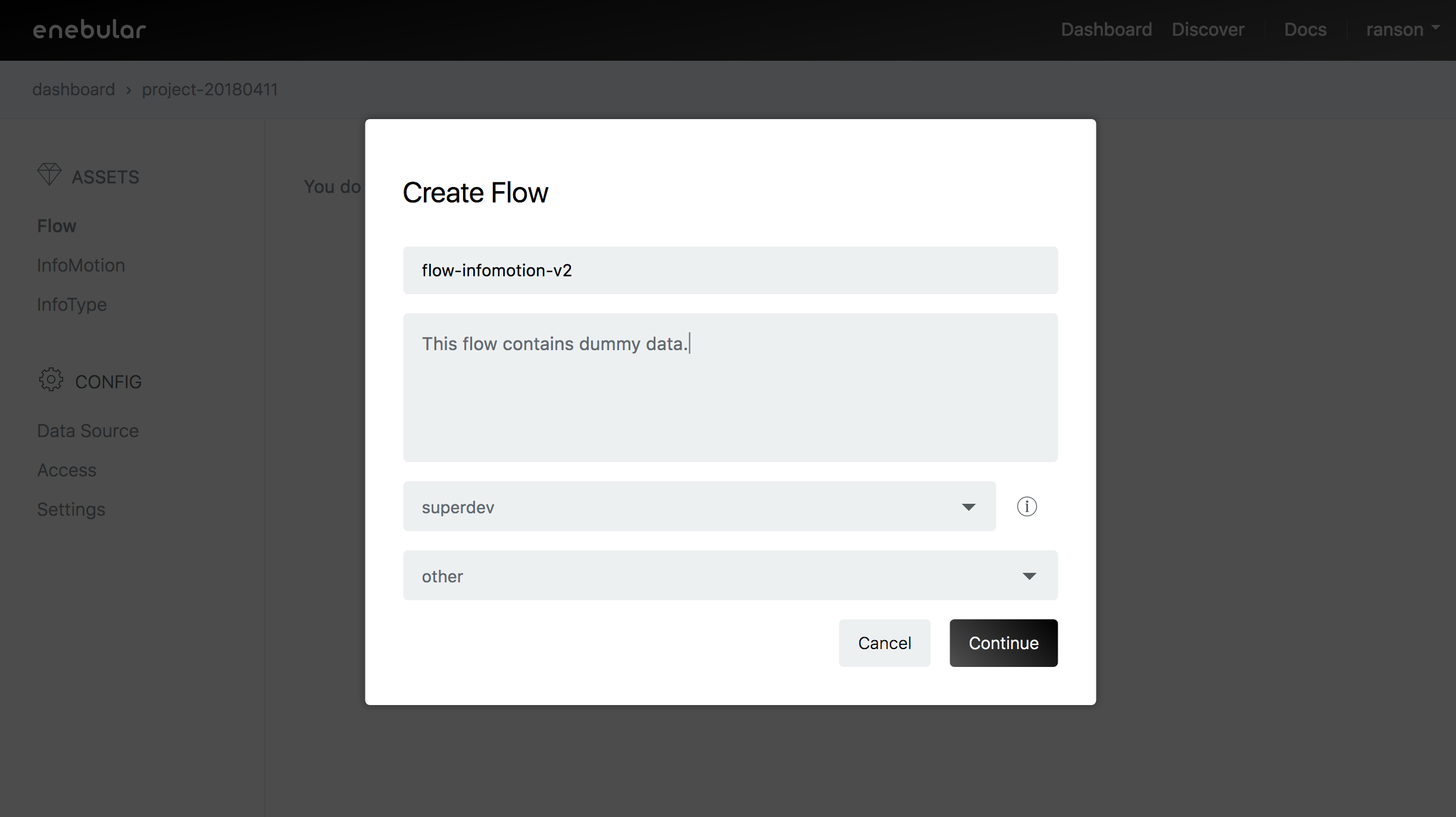
Create a Flow
The Milkcocoa datastore will be used to push data. At your enebular project create a new Flow.
Click the Edit Flow button
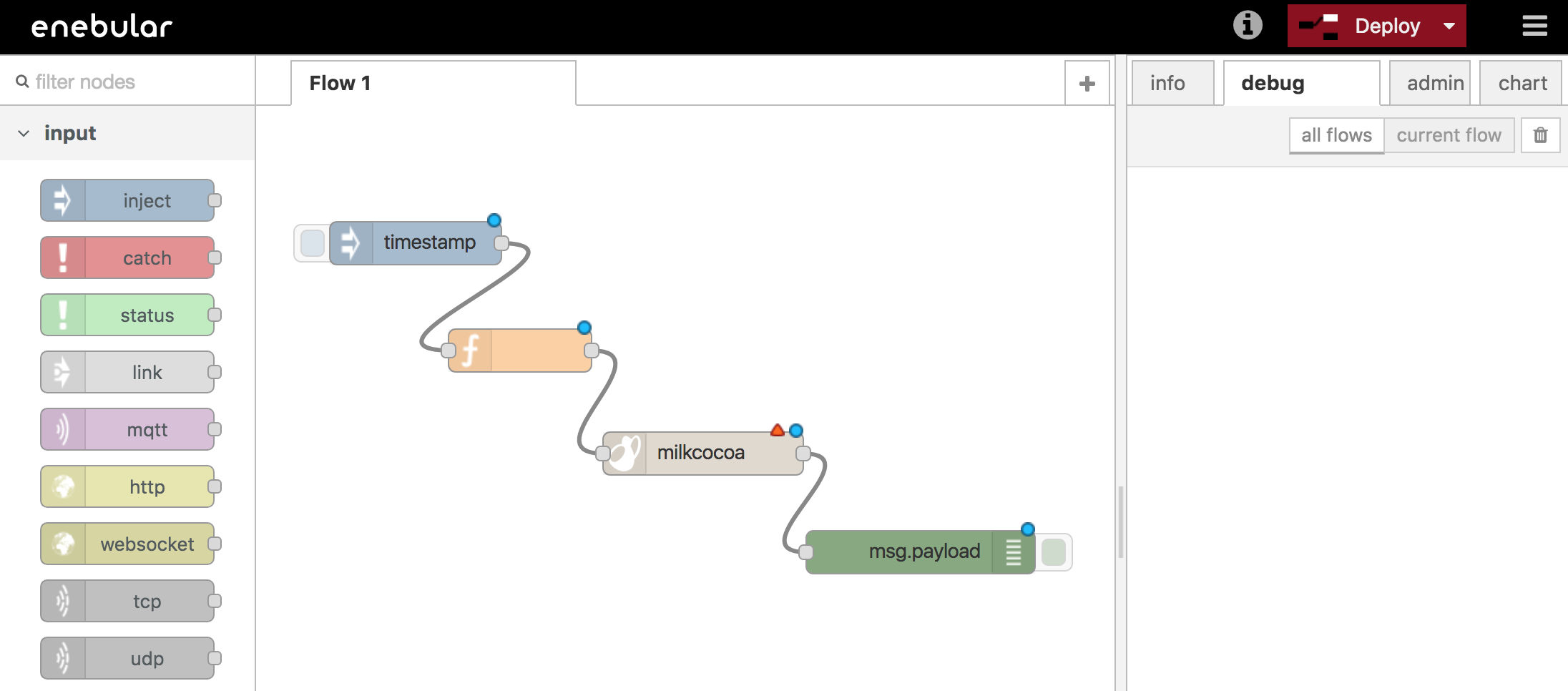
In the flow editor arrange the nodes as follows.
Inject -> function -> milkcocoa(output) -> debug
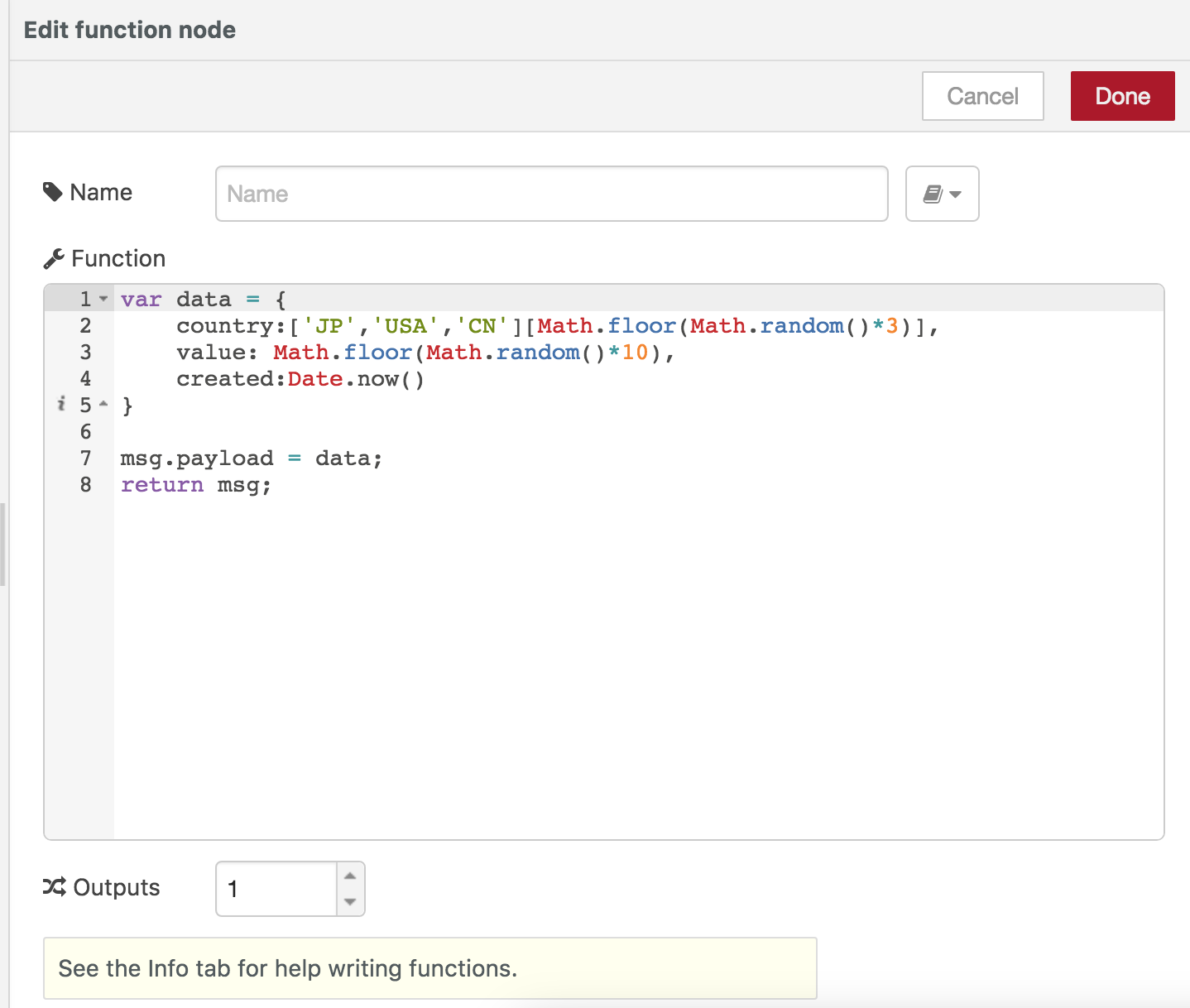
Double click the function node to open the edit function node modal.
Use the following script as the Function
var data = {
    country:['JP','USA','CN'][Math.floor(Math.random()*3)],
    value: Math.floor(Math.random()*10),
    created:Date.now()
}

msg.payload = data;
return msg;
Next double click the Milkcocoa node to open the edit milkcocoa out node.
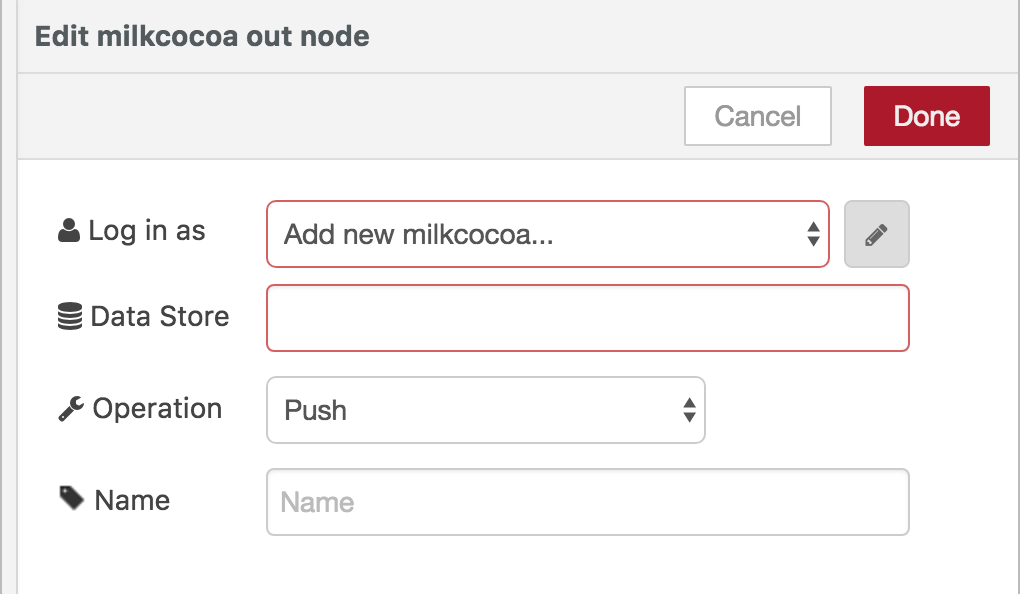
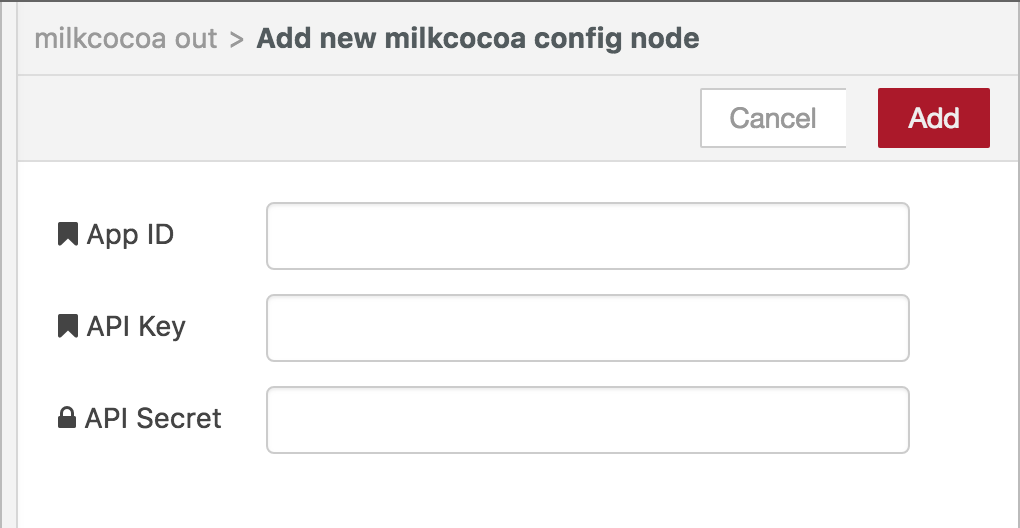
Click on the pencil icon and enter the app_id of your milkcocoa project.
You can leave API Key and API Secret empty for this simple example and
click add to set it.
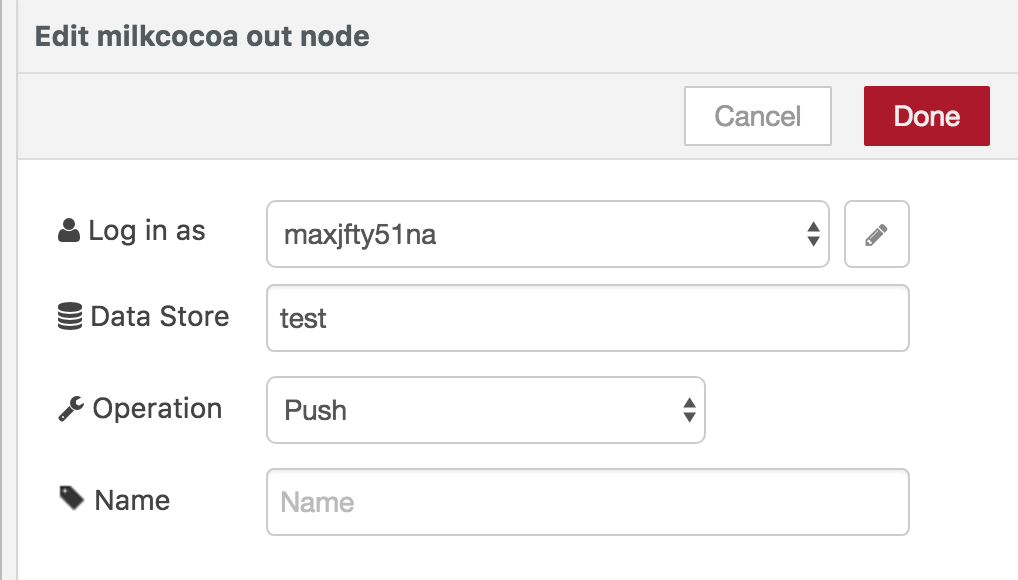
Set the Data Store to "test" and operation to Push then click done to set the node.
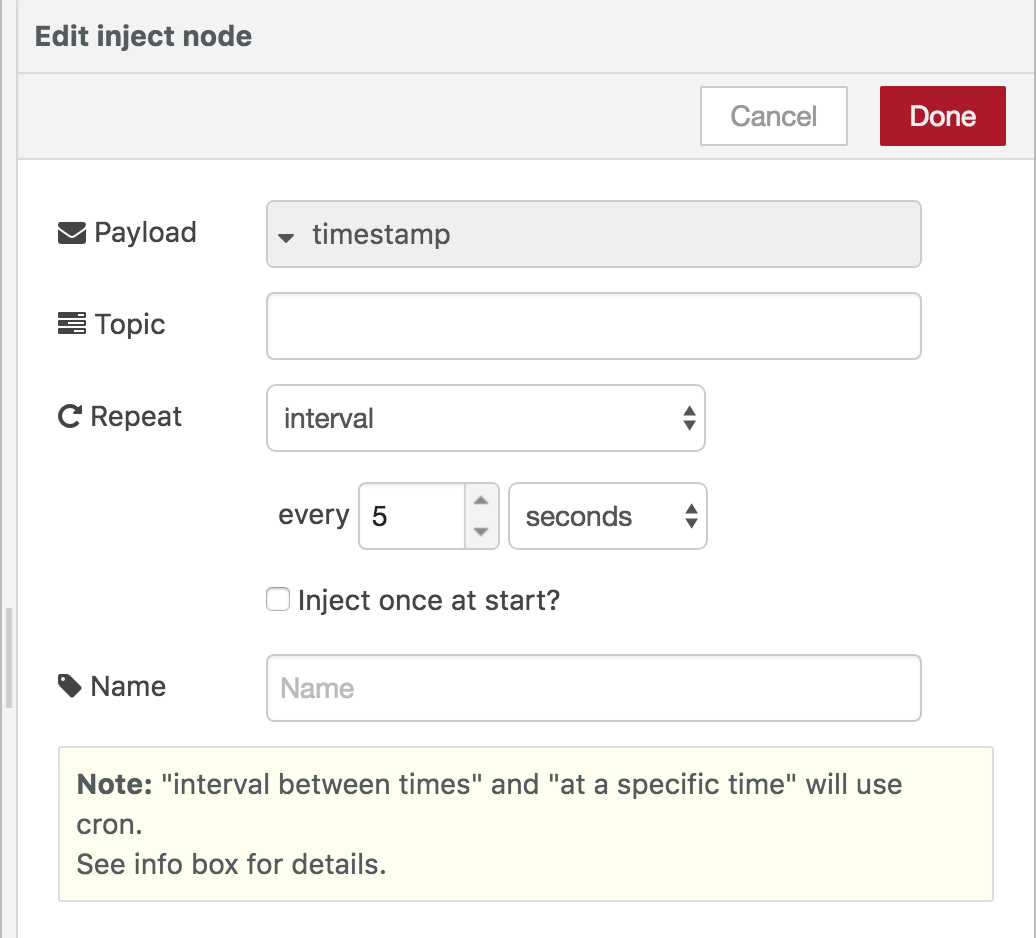
Double click the inject/timestamp and set repeat to interval for every 5 seconds.
Click done to set the node.
Now with all nodes ready click Deploy to execute the nodes.
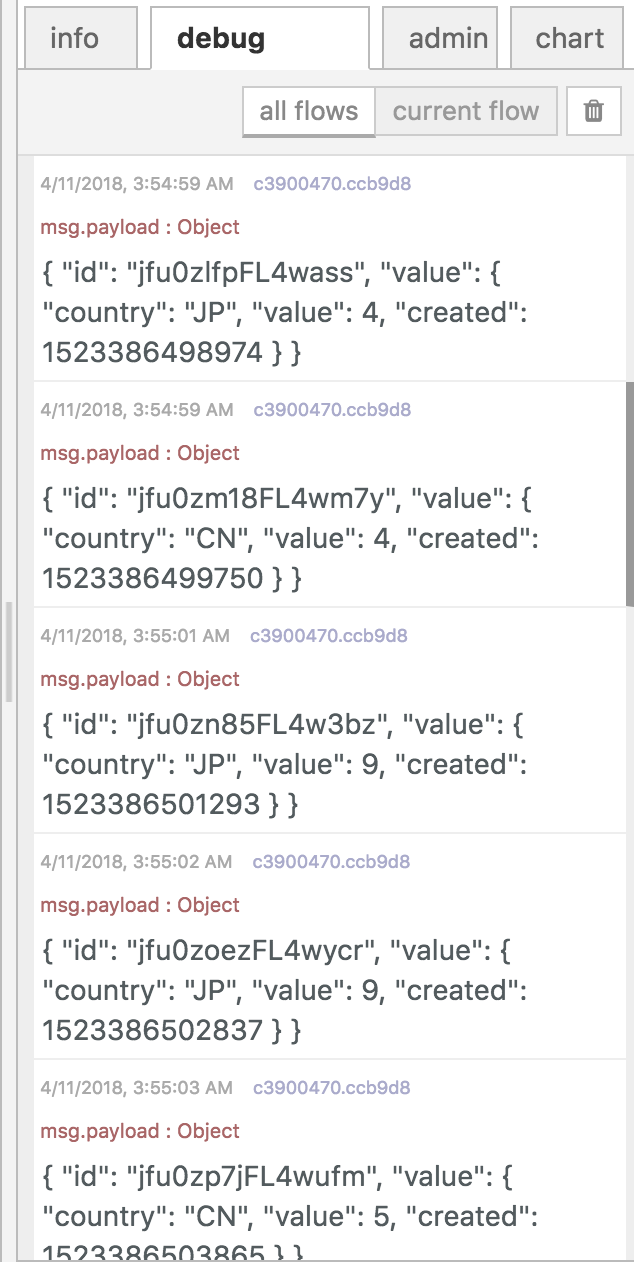
If you can see data being logged in debug then the nodes are executing correctly.
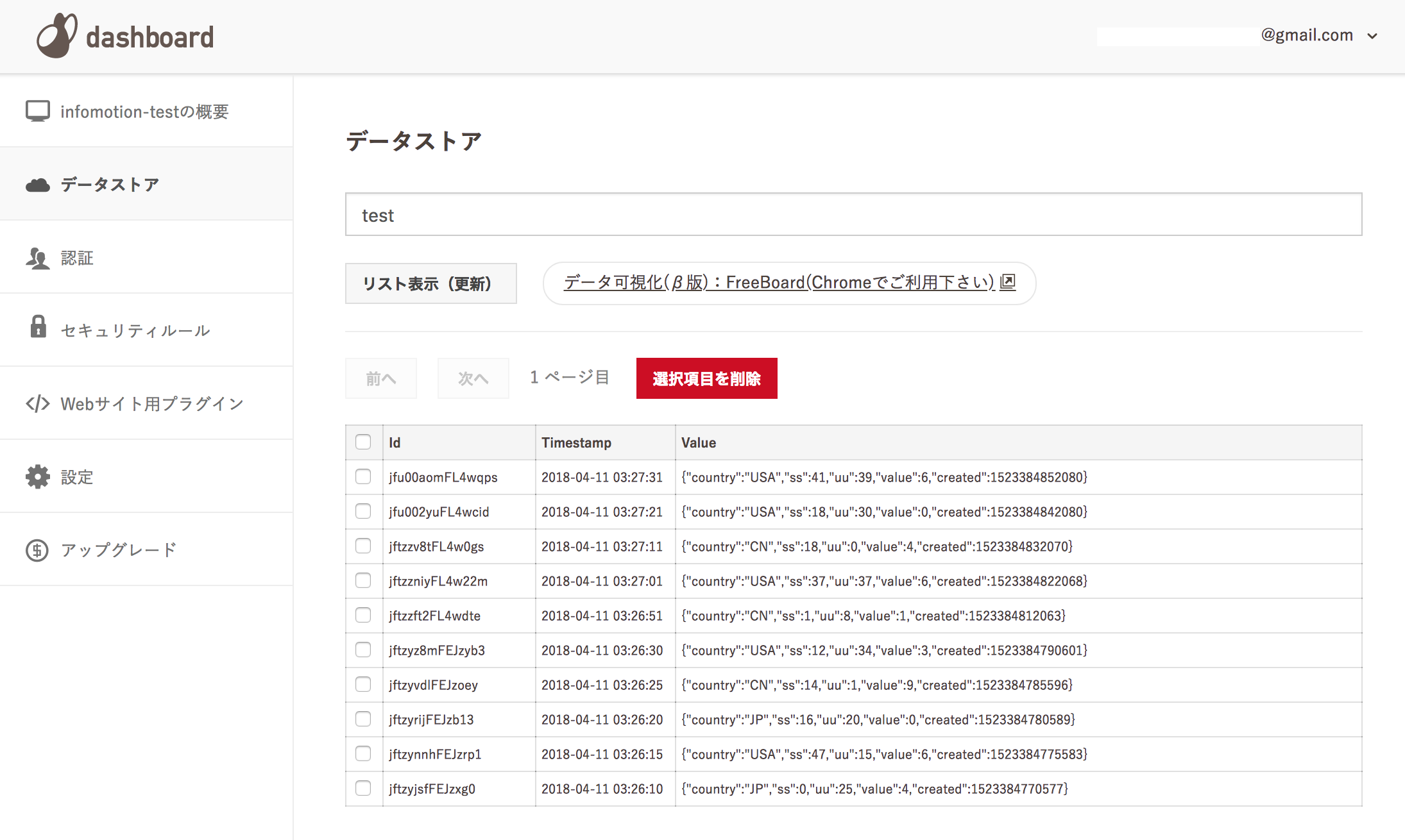
You can also double check by going to mlkcca.com and checking your projects datastore.
Search the store name and click リスト表示(更新) to refresh the store list.